


Understanding modern AI architectures is harder than ever.
Open any Hugging Face repository and you’ll usually find massive config files, layer definitions, parameter counts, and model cards that explain what the model does but rarely help you understand how it is structured internally.
That becomes a problem as most developers end up mentally reconstructing architectures which is error prone and tedious. But there’s a much easier way to explore AI models visually as you’ll soon find out.
The Simple URL Trick
Take any Hugging Face model URL. I’d be using the URL for DeepSeek-V4-Pro model which is:
https://huggingface.co/deepseek-ai/DeepSeek-V4-Pro
Replace:
huggingface.co
with:
hfviewer.com
The final URL becomes:
https://hfviewer.com/deepseek-ai/DeepSeek-V4-Pro
Press enter and you’d be redirected to the following page:
That’s it.
The model instantly opens as an interactive architecture visualization inside hfviewer.
What is hfviewer?
Hfviewer (short for Hugging Face Viewer) is a lightweight visualization tool built for Hugging Face models.
Instead of manually reading configs and tracing layers, the tool converts model structures into interactive visual graphs that are much easier to inspect.
It works across multiple architecture families including:
- transformer models
- vision models
- multimodal architectures
The best part is that it requires no setup at all.
Accessing HfView Faster: Terminal and Browser Extension
You can access HfView in two quick ways: directly from the terminal or through its browser extension.
For developers, the terminal-friendly option is to open the HfView URL directly from the command line. For example:
open https://hfviewer.com/google/vit-base-patch16-224On Linux, use:
xdg-open https://hfviewer.com/google/vit-base-patch16-224On Windows PowerShell, use:
start https://hfviewer.com/google/vit-base-patch16-224This does not install or run HfView locally. It simply opens the browser view for that Hugging Face model.
If you do not want to manually change URLs every time, HfView also offers a browser extension named Hugging Face Viewer. It integrates directly into Hugging Face model pages and makes architecture visualization part of the browsing experience.
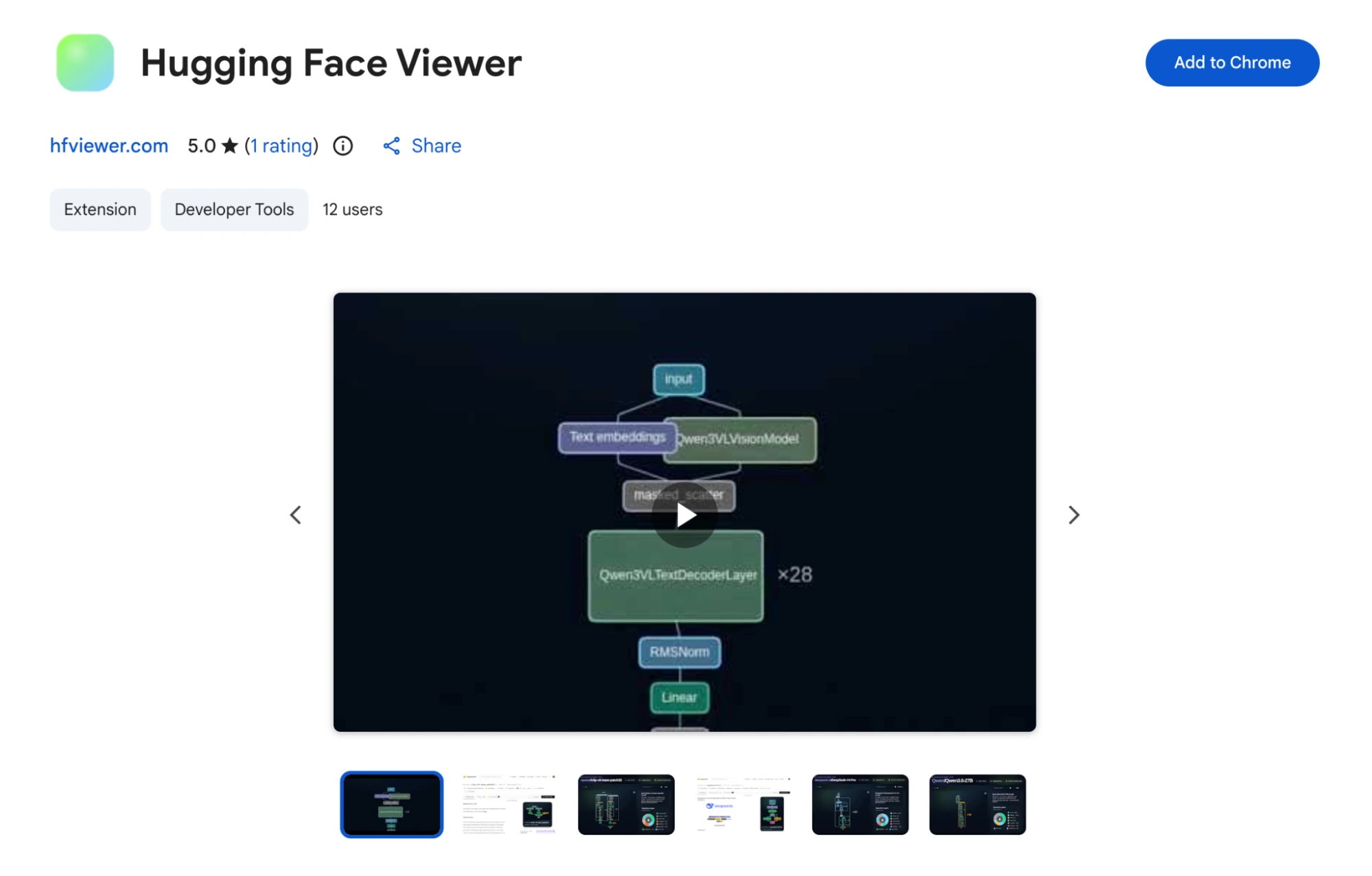
This is especially useful when you are exploring multiple open-source models and want to compare their architectures quickly.
Why Visualizing AI Models Matters
Modern AI models are hard to understand. This is partly due to the cryptic nature of the plethora of files contained wherein and the ever increasing architectural complexity each model nowadays has.
A single architecture can contain attention blocks, embeddings, vision encoders, projection layers, routing logic, and multimodal pipelines. Reading that as plain text gets messy fast.
Visualization removes the confusion.
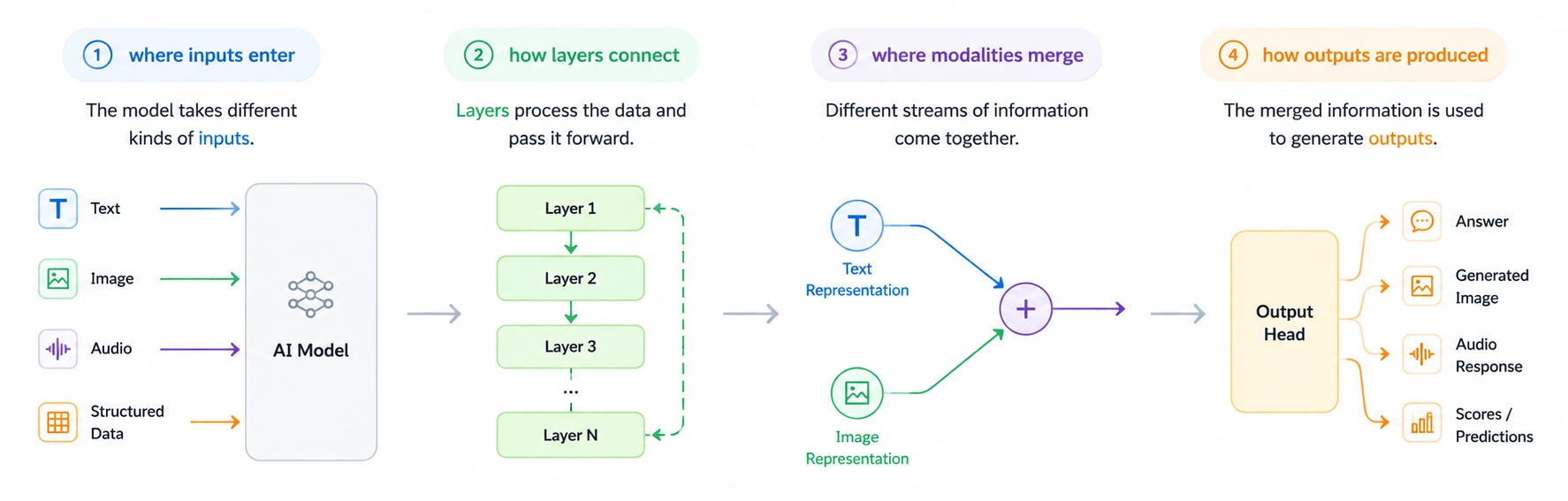
- A Vision Transformer becomes clearer when image patches turn into tokens visually.
- A T5-style model is easier to follow when the encoder and decoder are separated.
- A CLIP-like model makes more sense when image and text branches are shown before they meet.
It does not replace technical understanding but for sure gives you a cleaner starting point.
As models continue becoming larger and more modular, tools like hfviewer make AI systems easier to explore, understand, and explain.
And sometimes, all it takes is changing a URL.
Frequently Asked Questions
A. It turns Hugging Face model structures into interactive visual architecture graphs.
A. Replace huggingface.co with hfviewer.com in any Hugging Face model URL.
A. Visualization makes complex architectures easier to inspect, compare, and explain.

I specialize in reviewing and refining AI-driven research, technical documentation, and content related to emerging AI technologies. My experience spans AI model training, data analysis, and information retrieval, allowing me to craft content that is both technically accurate and accessible.
Login to continue reading and enjoy expert-curated content.

💸 Earn Instantly With This Task
No fees, no waiting — your earnings could be 1 click away.
Start Earning
