


AI agents are no longer just answering questions. They read code, deploy apps, run workflows, move money, search the web, and remember what happened last week. MCP servers make that possible by connecting models to real systems.
MCP replaces brittle APIs with structured, permission-aware access to tools like GitHub, Stripe, Notion, databases, and web search. This article answers one question: which MCP servers are used when you are building systems in 2026.
1. For working with code
GitHub MCP | Your code’s nervous system
GitHub MCP lets your agent read repositories, inspect commits, review pull requests, and track issues while staying fully permission-aware. Instead of guessing what your code does, the AI can actually look.
Your GitHub repository is managed autonomously by AI. Real agentic development begins!
Used for
- Reading and summarizing code
- Reviewing pull requests
- Understanding project structure
- Tracking issues and changes
GitHub MCP allows AI to behave like a developer instead of just another tool.
2. For shipping products
Vercel MCP | Deployment and runtime truth
Vercel MCP lets your agent see what is actually live. Builds, logs, deployments, previews, and environment configuration are all visible in natural language.
Used for
- Inspecting deployments
- Reading build logs
- Debugging failure
- Understanding hosting state
This is where AI crosses from coding into DevOps.
3. For designing workflows
Figma MCP | Design context for code
Figma MCP gives your AI agent direct access to your design files. It can read frames, inspect components, pull variables, and understand layout structure instead of guessing from screenshots or hand-wavy descriptions.
Product design no longer remains restricted to human-understandable PDF’s using Figma MCP.
Used for
- Reading UI layouts
- Extracting design tokens
- Understanding components
- Turning frames into code
Perfect for seamlessly integrating AI in design processes.
4. For running businesses
Stripe MCP | Money and billing intelligence
Stripe MCP gives your AI access to balances, customers, invoices, subscriptions, and payment activity. This is where agents start interacting with real revenue in a secure manner.
Gone are the times of error prone online transactions.
Used for
- Billing visibility
- Subscription management
- Payment tracking
- Revenue reporting
This is where AI starts operating real businesses.
5. For staying organized

Notion MCP | Your company’s brain
Notion MCP lets your agent read pages, databases, and comments from your workspace. It can see specs, roadmaps, and decisions without you pasting them into chat.
Notion MCP allows AI to get organizational memory.
Used for
- Reading internal documentation
- Retrieving specs
- Searching company knowledge
- Understanding decisions
This is what turns AI into a teammate instead of a tool.
6. For managing work

Linear MCP | Execution layer for teams
Linear MCP gives your agent access to issues, milestones, comments, and project status. It can track work and update tickets like a real teammate. This allows automating the meta surrounding the development process.
Used for
- Reading and updating issues
- Tracking project status
- Managing backlogs
- Coordinating execution
This is how agents stop advising and start doing.
7. For automating actions
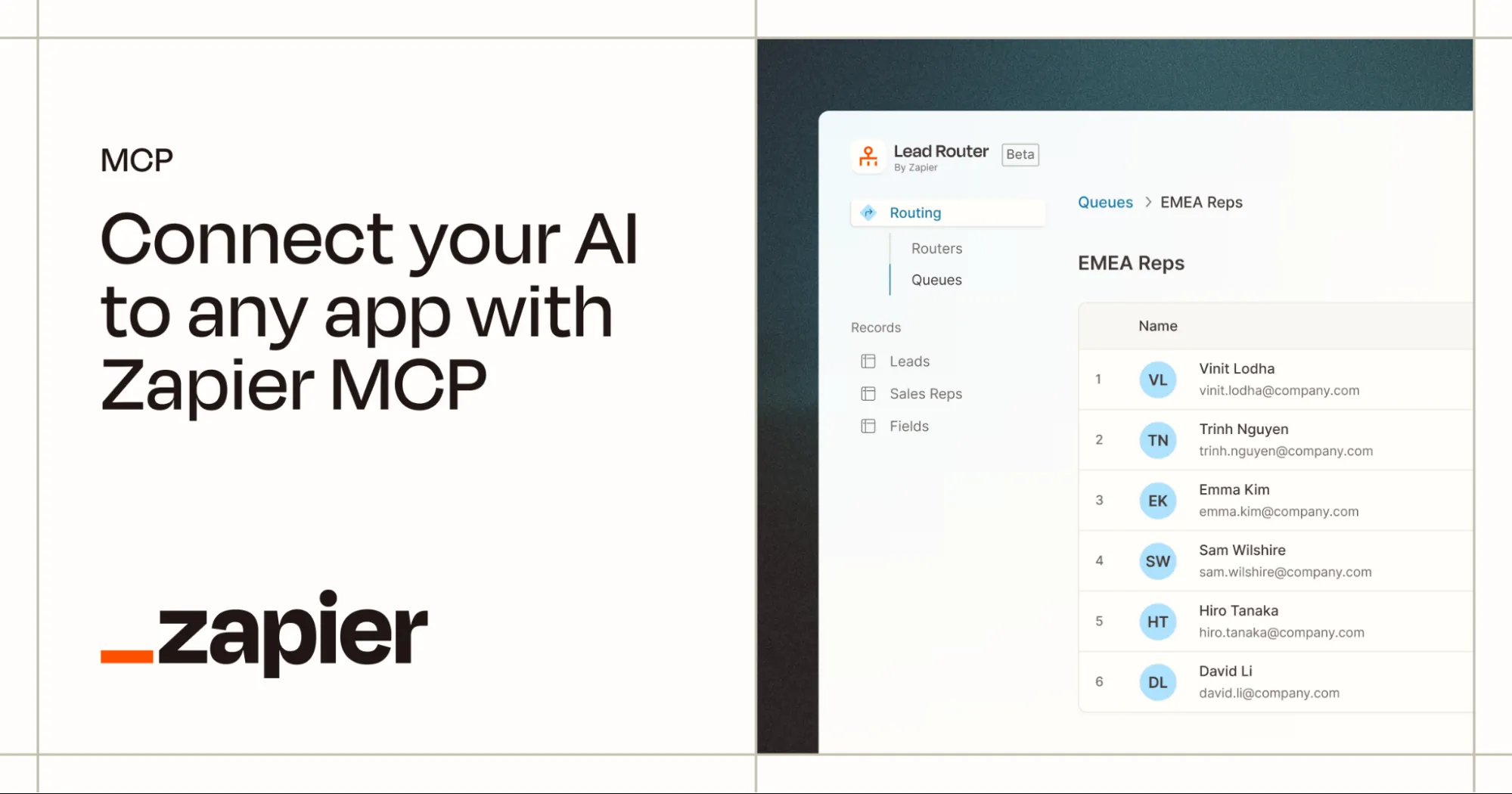
Zapier MCP | Action engine for AI
Zapier MCP gives your agent access to thousands of apps. Emails, CRMs, calendars, Slack, spreadsheets. If Zapier can do it, your agent can too.
Used for
- Workflow automation
- Cross-app actions
- Task execution
- Real-world orchestration
This is where AI leaves the chat window.
8. For finding information
Tavily MCP | Live web intelligence
Tavily MCP gives your agent real-time, focused web search. No scraping, no noise. Just fresh, factual information when it matters.
Used for
- Research
- Market intelligence
- Fact checking
- Web data extraction
This is how hallucinations get replaced by evidence.
9. For grounding answers
Exa MCP | Source-grounded retrieval
Exa MCP retrieves real code, documentation, and technical sources from the web. It lets agents write and explain things based on evidence, not vibes.
Used for
- Code examples
- API references
- Technical research
- Source-grounded answers
This is how AI becomes reliable instead of just confident.
10. For staying up to date

Hugging Face MCP | The AI knowledge hub
Hugging Face MCP lets your agent browse models, datasets, Spaces, and papers from the world’s largest AI community.
Used for
- Finding models
- Exploring datasets
- Running Spaces
- Reading documentation
This is how agents stay current instead of frozen in training data.
Final thoughts
The list of MCP servers outlined clearly isn’t exhaustive! There is far more from where they came from and more and more are coming out every week. What matters though is what fits your purpose.
You can use GitHub, letting an agent understand your code. Visualize your plans in Notion. Outline your work in Linear. Make deployments in Vercel. Operate revenue in Stripe. And your connection to the wider AI ecosystem through Hugging Face.
The list is almost limitless. What is left is for you to plug in the right MCP server to your AI workflow.
Frequently Asked Questions
A. They give agents structured, permission-aware access to real systems like code, deployments, and payments instead of brittle APIs.
A. GitHub, Vercel, Stripe, Notion, and Linear cover code, shipping, money, context, and execution.
A. Tools like Tavily and Exa ground answers in live web data and real sources instead of model guesswork.

I specialize in reviewing and refining AI-driven research, technical documentation, and content related to emerging AI technologies. My experience spans AI model training, data analysis, and information retrieval, allowing me to craft content that is both technically accurate and accessible.
Login to continue reading and enjoy expert-curated content.

💸 Earn Instantly With This Task
No fees, no waiting — your earnings could be 1 click away.
Start Earning
